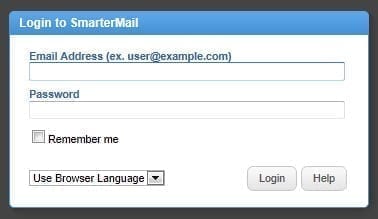
- Log in to your webmail account
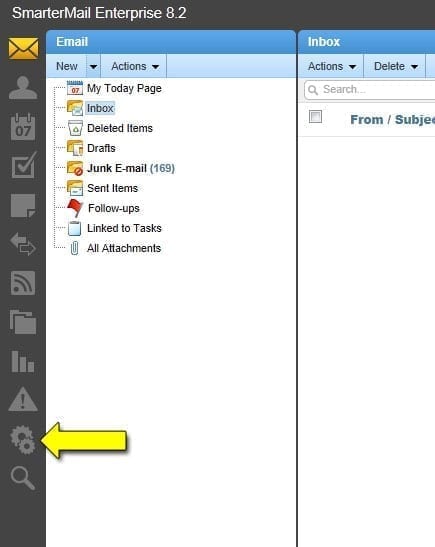
- Select the Settings icon from the far left column of icons. It’s the second-to-last icon and looks like 2 gears
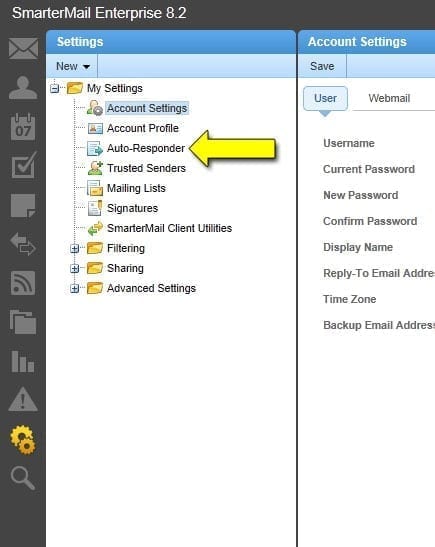
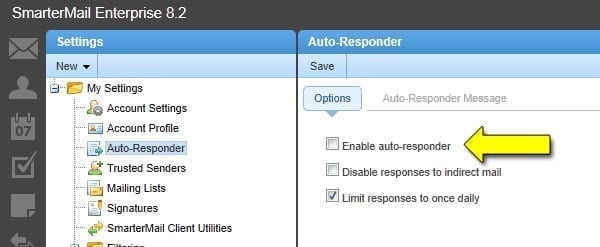
- Select Auto-Responder from the Settings menu.
- Click the checkbox for Enable auto-responder.
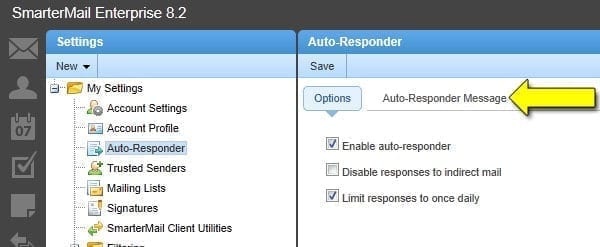
- Click the Auto-Responder Message link.
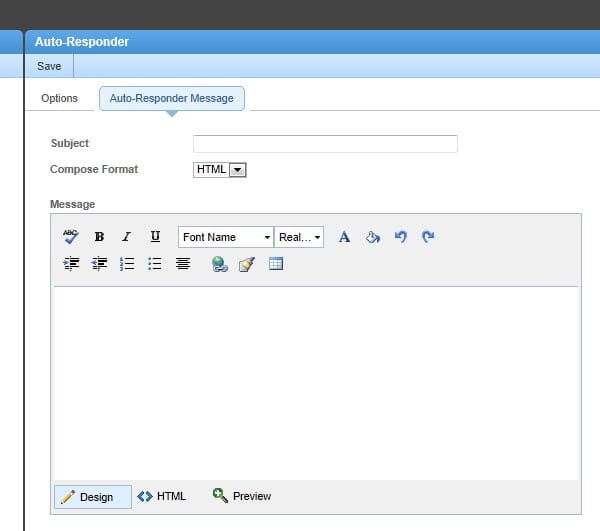
- Give the auto-responder a Subject and Message then click the Save button at the top.